A Fountain editor for Mac, with real pages.
Fountain is plain text for screenplays: a few simple rules turn ordinary typing into scene headings, characters and dialogue. Goethe Write opens .fountain files on the Mac, reads the whole Fountain 1.1 syntax without ever failing, shows the script on formatted pages and saves it back as Fountain, Final Draft or PDF. One honest note first: you write on pages, not in the markup.


What Fountain is.
A Fountain file is a text file. A line that starts with INT. or EXT. is a scene heading. A name in capitals above a line of text is a character, and the text below is dialogue. Everything else is action. A few marks force an element when the rules are not enough: ! for action, . for a scene heading, @ for a character, > for a transition, ~ for lyrics.
Because it is plain text, Fountain opens in any editor, on any system, and will still open in twenty years. It works well with version control, email and notes apps. What it cannot hold is everything a page layout needs: exact indents, revision colours, locked pages. That is the trade-off, and it matters when the script goes to production.
What a Fountain editor on the Mac should do.
There are two kinds: plain-text editors that colour the markup, and screenwriting apps that read Fountain and show pages. Whichever you choose, check these points.
- Read the whole syntaxGoethe Write reads Fountain 1.1 with forced elements, sections (
#), synopses (=), page breaks (===), notes and omitted text. What is unclear becomes action, as the format provides – the import never fails. - Keep the title pageTitle fields such as Title, Author and Contact become the title page, and PDF with title page prints it.
- Leave your file aloneA paragraph you did not change goes out exactly as you wrote it. Only changed and new paragraphs are written in one fixed spelling.
- Show correct pagesPages break by the rules Final Draft 13 applies, on US Letter or A4, so the page count is the one a reader will see.
- Speak Final Draft tooThe same script saves as .fdx for producers and agents, and as a PDF for everyone else.
Plain text in, pages on screen.
A Fountain file opened in Goethe Write looks like this: the screenplay set in Courier on pages, the scenes in the Navigator, the timeline below. The example is Goethe’s Faust as a screenplay.
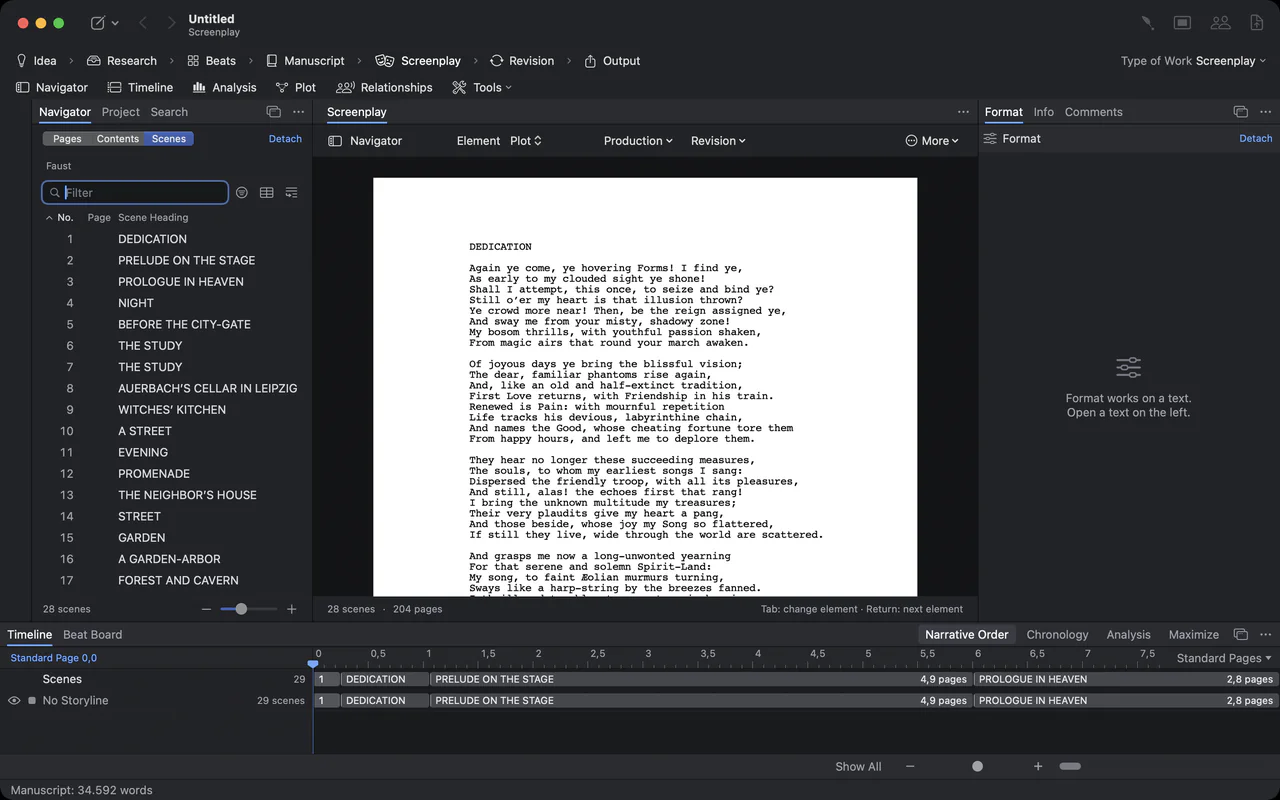
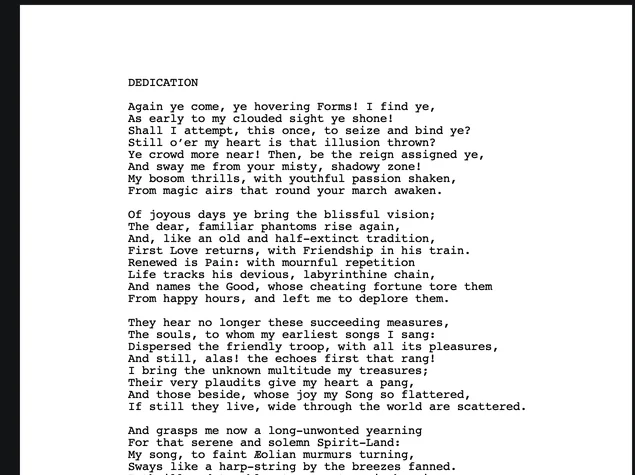
Close-up of a Faust screenplay page in Courier

The timeline under the screenplay: Dedication, Prelude on the Stage and Prologue in Heaven as clips with their page lengths
Open a .fountain file on the Mac.
Writing and creating projects on the Mac need the 14-day trial or the purchase.
- 1. A screenplay projectFile ▸ New Project… (⌘N), Empty Project, Create, then Project ▸ Type of Work ▸ Screenplay.
- 2. Import Screenplay…In the Screenplay phase, on the empty page or in the menu of the drafts; also in the ribbon, Screenplay tab. Choose the .fountain file – a plain .txt with Fountain text works as well.
- 3. Write on the pageReturn and Tab move from element to element, ⌘1 to ⌘7 choose one, SmartType completes names and places. Every scene is also created as a text in the Manuscript, and every speaking name under Characters.
- 4. Save it as FountainExport ▸ Fountain in the head of the screenplay, Save As ▸ Fountain… in the ribbon’s Export screenplay group, or the row Fountain… in the Output phase.
What is kept, and what is not.
Fountain is plain text, so some things a screenplay can hold have no way into it. Goethe Write is open about this instead of dropping them silently.
- Unchanged paragraphs
- Written back exactly as they were in your file, spacing and spelling included.
- Changed and new paragraphs
- Written in one fixed Fountain spelling. If you have habits of your own in the markup, those paragraphs will look tidier but different.
- What Fountain cannot say
- Left out and counted. A page change in the middle of a dual dialogue, for example, has no Fountain form.
- Before saving
- The app reads the new file back once. If the reader understands anything differently from your screenplay, that is counted too, and you see every count in Export with Changes? before you choose Export Anyway.
- Revisions and production
- Revision sets and page colours have no form in Fountain. Keep a production draft as .fdx and use Fountain for drafts and exchange.
Fountain on the Mac: who does what.
If you love writing the markup itself, a plain-text Fountain app may suit you better than Goethe Write. Here is how some Mac apps handle Fountain, as their makers describe it.
| App | How it treats Fountain | Price model |
|---|---|---|
| Goethe Write | Opens and saves .fountain; you write on formatted pages; also .fdx and PDF | US$79.99 once on the Mac, 14 days free |
| Highland Pro | Fountain as a first-class format, plus its own .highland package | Subscription: US$9.99 a month or US$59.99 a year; 30-day trial |
| Slugline | Screenplays written in Fountain; Final Draft import, export with the purchase | Free for six pages; US$49.99 once |
| Fade In | Handles Fountain among many formats, next to Final Draft | US$79.95 once |
| Final Draft 13 | Not opened directly; imports Fountain text saved as .txt | One-time purchase or subscription |
Checked on 13 November 2026 (Final Draft on 12 November 2026) on the makers’ websites. All names are trademarks of their owners; Goethe Write is not affiliated with any of them.
When a plain-text editor is the better choice.
Goethe Write is not a markup editor: you do not see the #, = or @ while you write, you see the page. If you want to keep your script in Git, write it in any text editor on any machine, and see exactly every character of the file, a plain-text Fountain app is closer to how you work, and Highland and Slugline are made for that.
Goethe Write fits when you want Fountain as an open, readable file and also need what plain text does not give: exact pages, a Final Draft file for the producer, a timeline, a novel and its adaptation in one project, or co-writers in the same scene.
One script, three files.
The Export menu holds Final Draft (.fdx), Fountain and PDF side by side. On iPhone and iPad, the free app imports Fountain and writes screenplays in Fountain format as well.
Import and export formats Open .fdx files without Final Draft
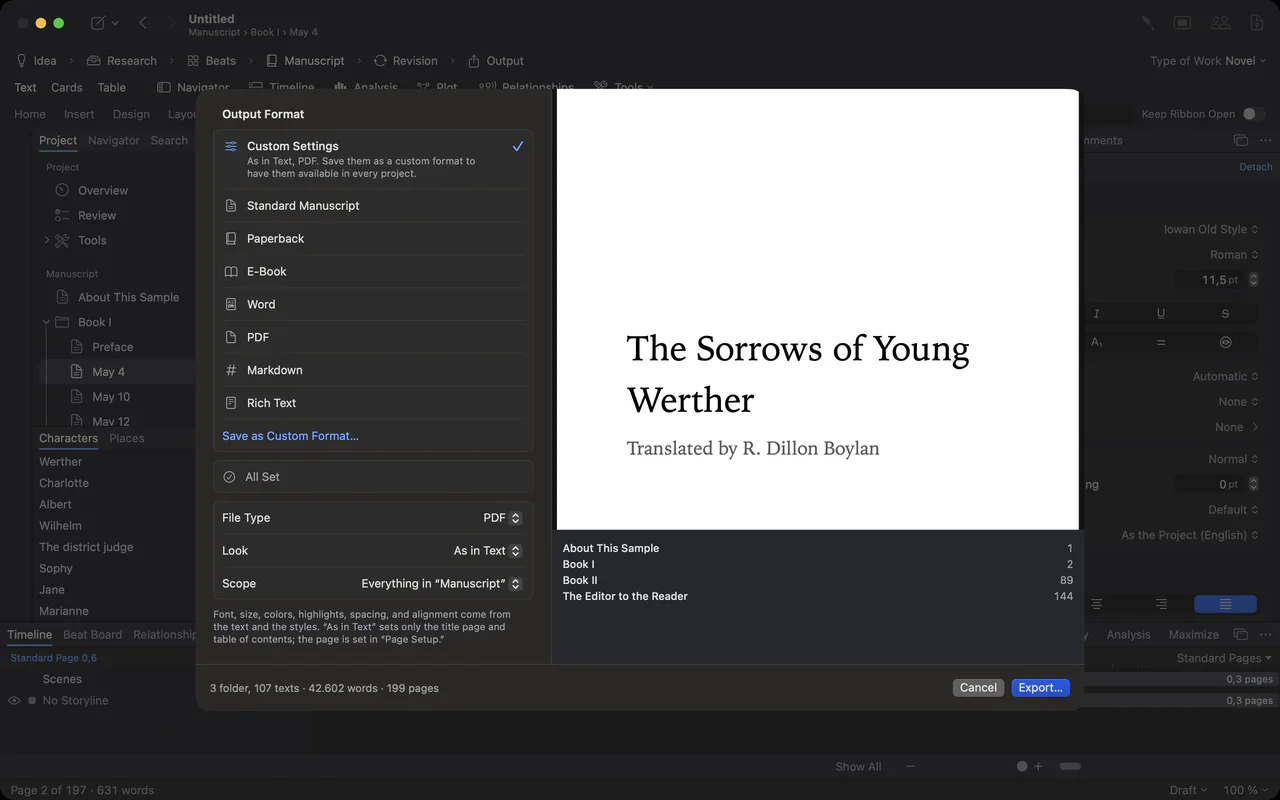
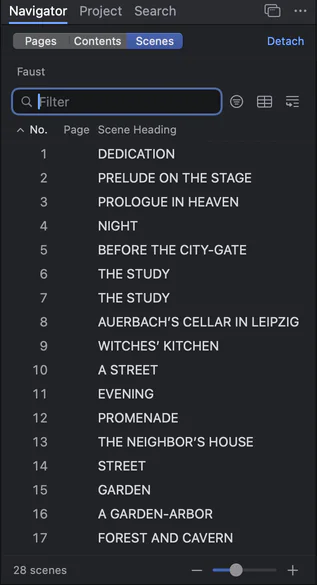
The scene navigator: numbered scenes of Faust with their headings
Questions about Fountain.
Is Goethe Write a Fountain editor?
It opens and saves .fountain files and reads the whole Fountain 1.1 syntax. You write on formatted pages rather than in the markup, so it is a screenwriting app that speaks Fountain, not a plain-text editor.
Will my Fountain file change when I save it?
Paragraphs you did not touch are written back exactly as they were. Changed and new paragraphs are written in one fixed spelling. Anything Fountain cannot express is listed and counted in Export with Changes? before the file is written.
Can I convert Fountain to Final Draft?
Yes. Import the .fountain file, then choose Export ▸ Final Draft (.fdx). The same works the other way, from .fdx to Fountain.
Can I convert Fountain to PDF?
Yes. Export ▸ PDF gives the pages exactly as on screen, broken by the rules Final Draft 13 applies; PDF with title page adds the title page from your Fountain title fields.
Does it work on iPhone and iPad?
Yes. The free app imports Final Draft and Fountain files, writes screenplays in either format and shares them as .fdx, Fountain or PDF. Page numbers there are an estimate.
Is Goethe Write available now?
Yes. It is on the Mac App Store: US$79.99 once, 14 days free. The iPhone and iPad app is free.
Keep Fountain. Get the pages.
Try Goethe Write free for 14 days on the Mac, then buy it once for US$79.99. Goethe Cloud, from US$4.99 a month, adds co-writers, read links and Goethe, the assistant.