Scripts for the ear.
Audio drama, radio plays and podcasts are written before they are recorded. Goethe Write is a Mac app for those scripts: dialogue elements for the voices, cast lists for the studio, research beside the text and read links for producers. It does not record or edit sound – that stays in your audio software.


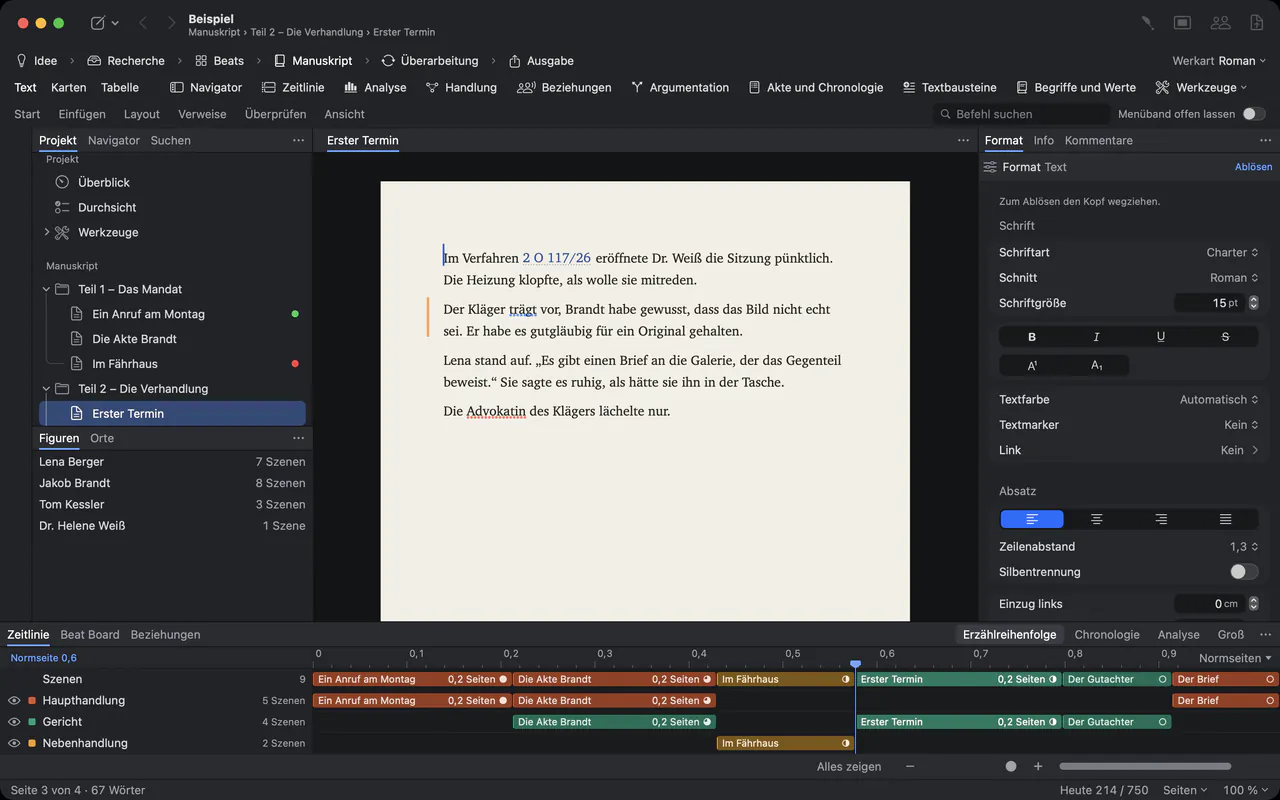
Nobody sees your script. Everyone hears it.
In audio, the script carries everything: who speaks, where we are, what we hear. A radio play has voices, sound and music cues and often a dozen roles. A podcast has research, interview notes and a script that has to sound natural when it is read. Usually that means a word processor, a folder of sources and a spreadsheet for the cast.
Goethe Write keeps the script, the material and the cast in one project on your Mac. Here is what it offers – and what it does not.
Audio drama in dialogue elements.
There is no separate audio-drama format with cue elements of its own. Audio writers use the screenplay elements, which suit a play for voices well: choose Project ▸ Type of Work ▸ Screenplay. The Scene Heading names the place, Plot (Final Draft’s Action) carries sounds and music, Character and Dialogue carry the voices, and Parenthetical the delivery. SmartType suggests the names and extensions such as (V.O.) and (O.S.).
The script opens and saves as Final Draft (.fdx) or Fountain and goes to the studio as a PDF.
INT. LIGHTHOUSE - NIGHT
Wind against the glass. A kettle starts to whistle.
MARTA
(close, almost a whisper)
Did you hear that? Below us.
JONAS (O.S.)
It's only the sea.
Far below, a door slams. Then silence.
Ready for the recording day.
Cast lists for the booking
Cast (CSV) … in the screenplay’s Export menu lists every role with its scenes, its number of speeches and its words, for Excel or Numbers.
Sides for each voice
Give a device a Role in Collaborators. Sides as PDF sets every scene in which that role speaks.
Scenes by voice and place
The scene table in the Navigator filters the scenes by character and sorts them by location, so you can plan recordings in blocks.
Changes on the day
Revision ▸ Revision Mode gives every line you type or paste the colour of the current round.
For podcasts and features.
Not every audio script is a play. For a podcast or a documentary feature, a Nonfiction Book project with an outline is often the better fit: one text per episode or segment, the sources in Research.
- Research beside the scriptFile ▸ Add Files to Research… brings in PDFs, images, documents and audio files. The second pane shows a source beside your text.
- Hear how it soundsEdit ▸ Speech ▸ Start Speaking: the Mac reads the script aloud, and you catch the sentences that look fine and sound wrong.
- Words and charactersReview ▸ Word Count … counts words, characters and pages. There is no running-time calculator for audio; your speaking pace decides.
- Episodes in the outlinePlan a season in the outline, as cards or as a table: Text · Cards · Table (⌘1, ⌘2, ⌘3).
- Show notes and transcriptsFile ▸ Export… writes PDF, Word, Markdown or Rich Text – Markdown goes straight onto a website.
- An optional assistant
 AIWith Goethe Cloud and your own AI key, Goethe summarizes a research file or turns it into key points. Without a key, nothing leaves your Mac.
Series and seasons on one timeline.
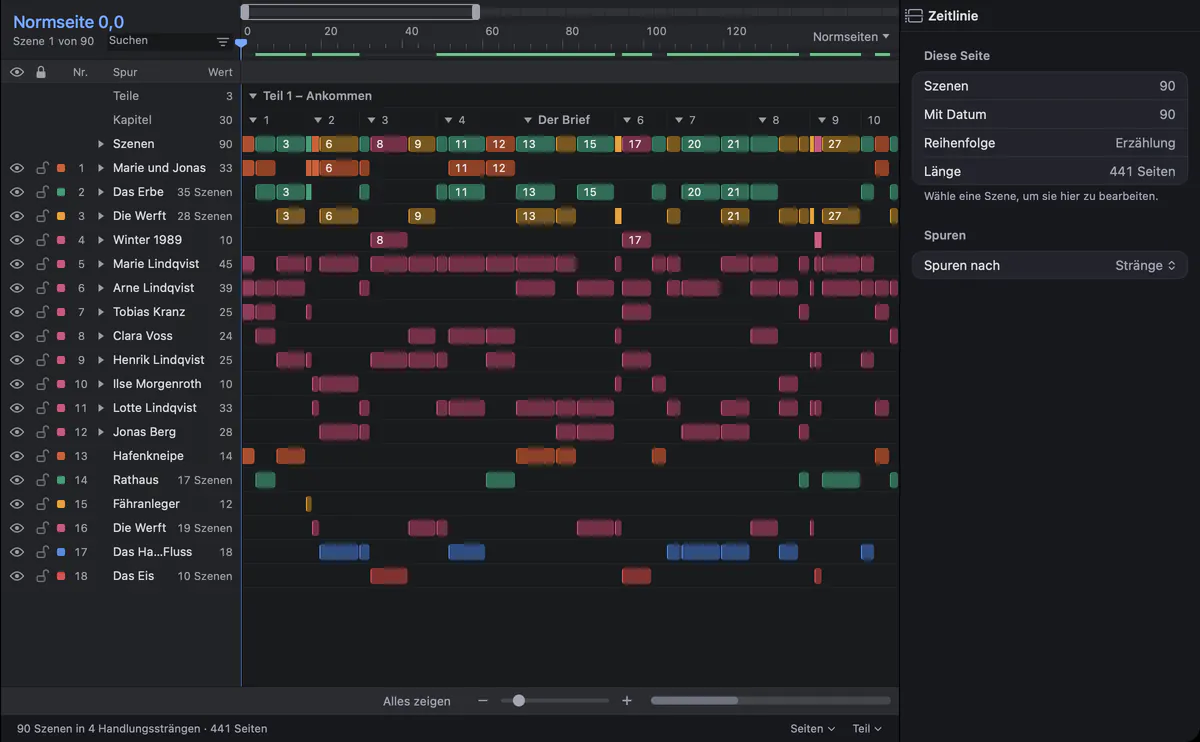
The timeline shows every scene as a clip, on tracks for storylines, characters and places. In a serial audio drama you see where each thread runs and when a voice was last heard.
Producers, co-hosts, editors.
With Goethe Cloud you share a project as its host. Co-writers work in it at the same time – in a script even in the same scene, each in their own paragraphs – and guests pay nothing. A read link shows the script in any browser, also on Windows, and the producer’s comments come back into your project.
Questions from audio writers.
Does Goethe Write record or edit audio?
No. Goethe Write is for the words. You record and edit in your audio software; the script goes there as a PDF or a text file.
Is there a radio-play format?
Not a dedicated one, with its own elements for sound and music cues. Audio dramas are written with the screenplay elements, and the pages are set like a screenplay. Podcasts and features work well as a Nonfiction Book with an outline.
Can it calculate the running time?
Not for audio. Review ▸ Word Count … gives you words and characters; from your own speaking pace you know what that means in minutes.
Do voice actors need the app?
No. They get their sides as a PDF or read the script through a read link in the browser. Whoever is invited as a guest pays nothing, and the iPhone and iPad app is free.
What does it cost?
US$79.99 once for the Mac, after 14 days free. Goethe Cloud – sharing, read links and the assistant with your own key – costs US$4.99 a month or US$49.99 a year. A studio or broadcaster with five or more Macs can buy Goethe Write for Teams at US$29.99 per Mac seat through Apple Business Manager.
Write it before you record it.
Try Goethe Write on the Mac for 14 days, free. For a studio or an editorial team there is Goethe Write for Teams.